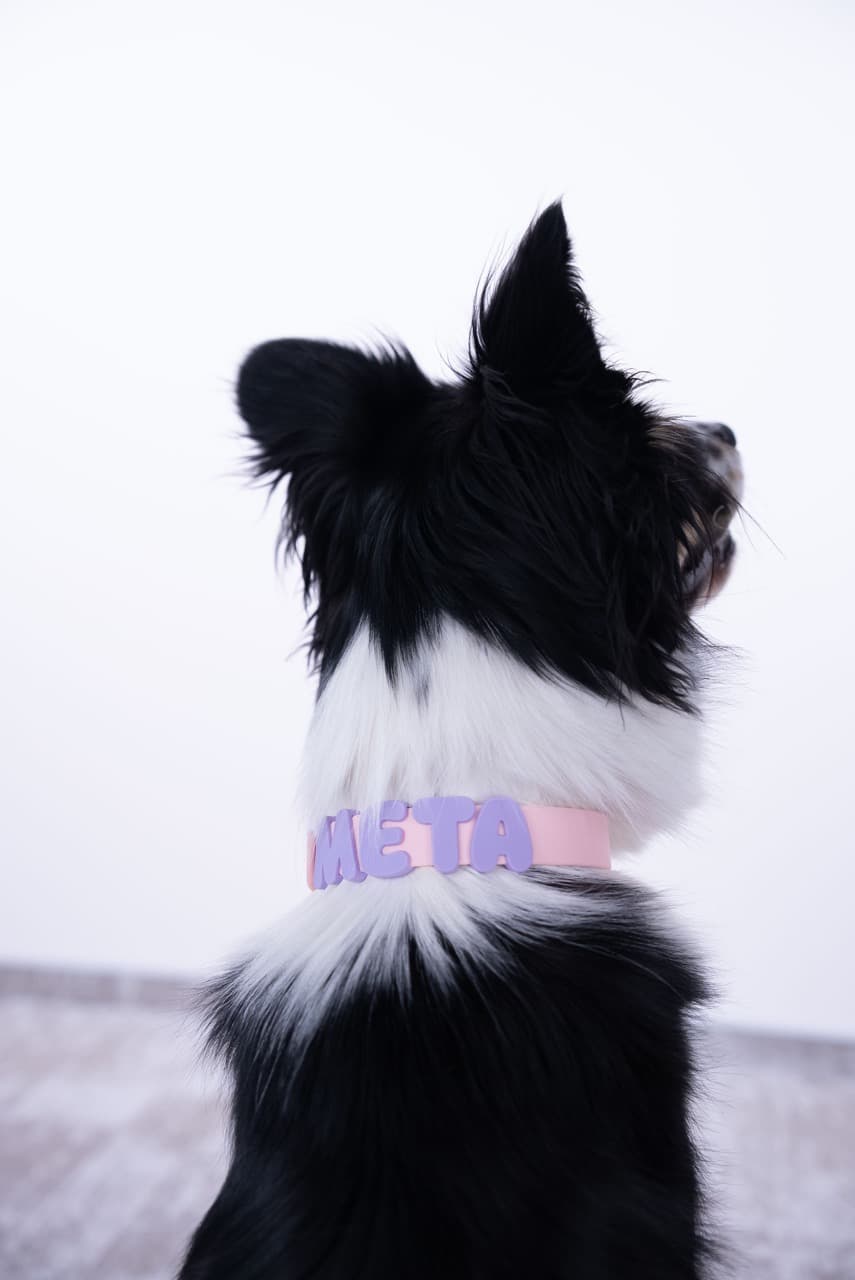
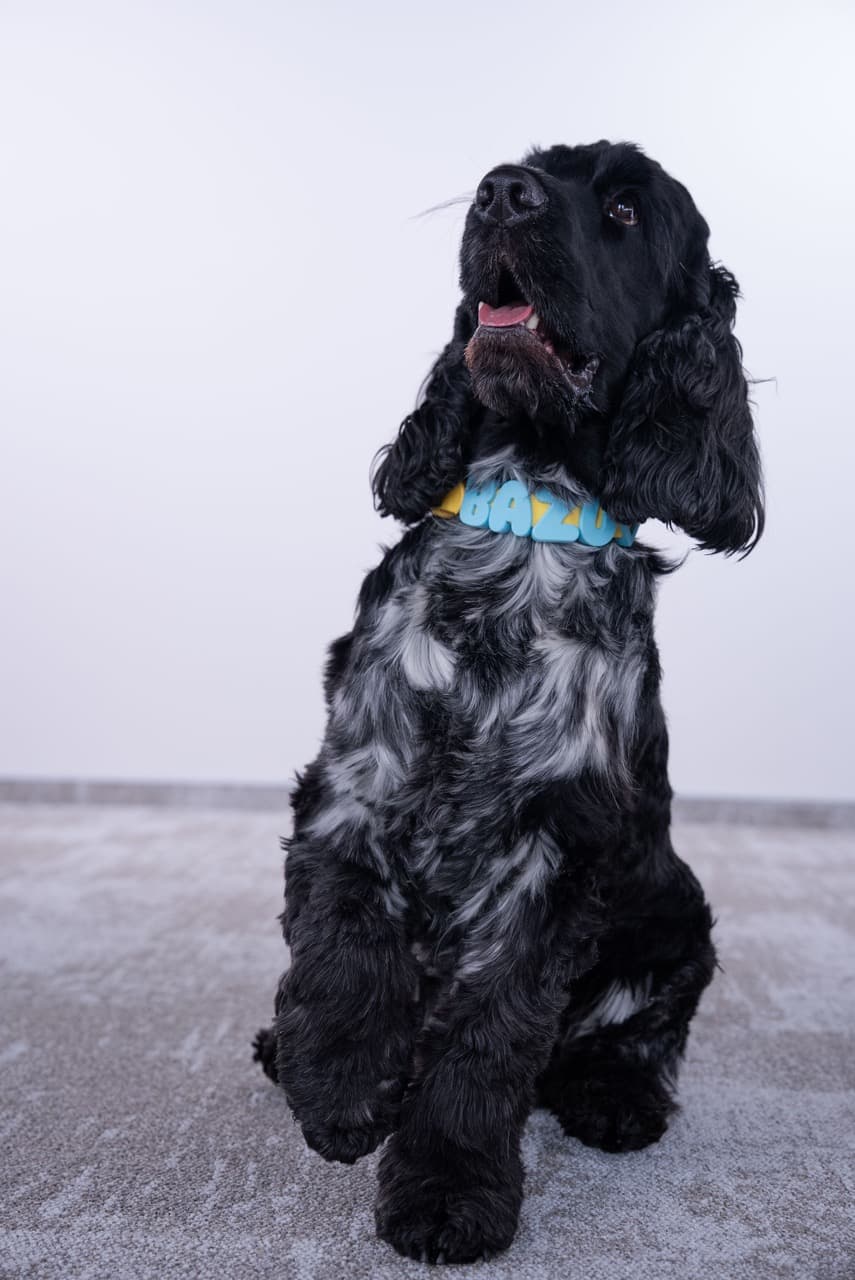
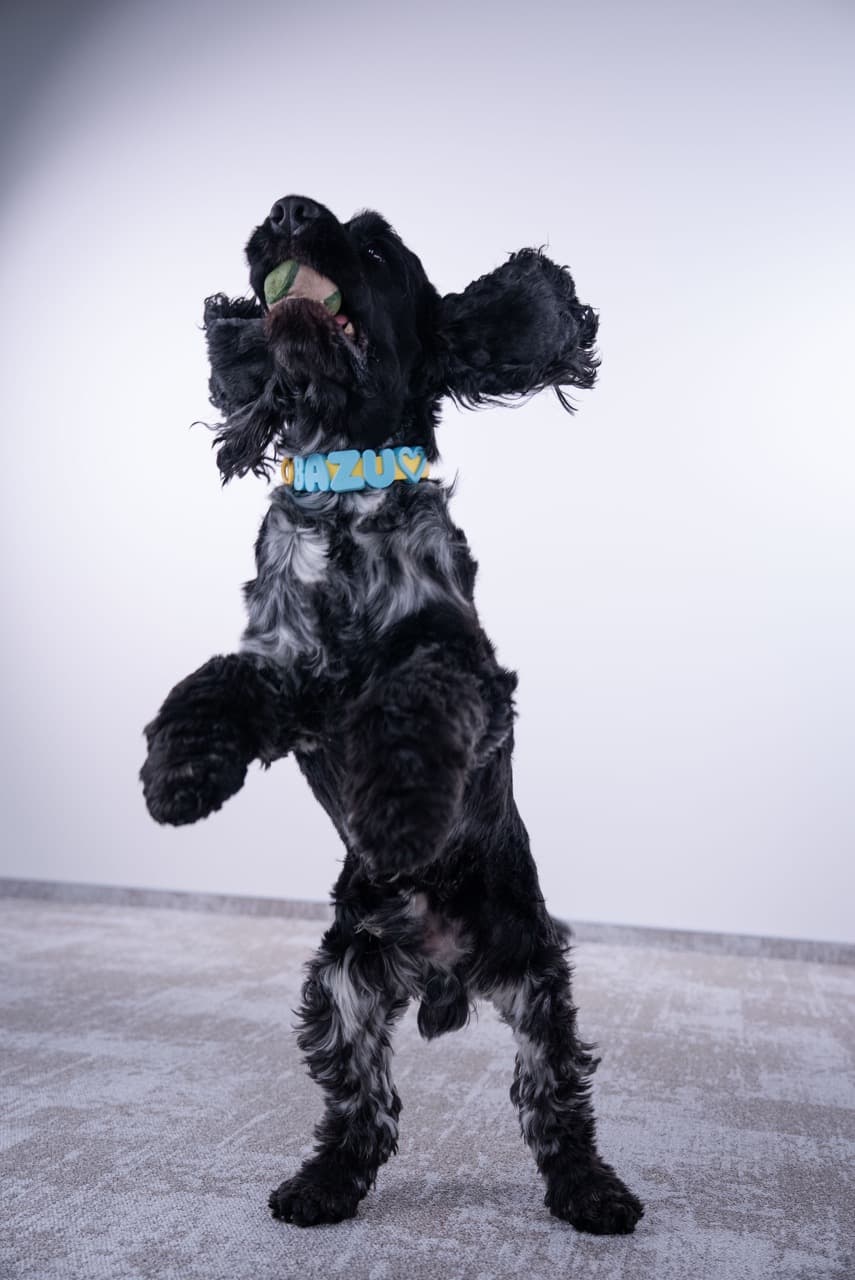
Orders ship from Vilnius within 1–2 business days and usually arrive in 2–4 days across Lithuania and the EU. Shipping is free on orders over €40.
Yes. You have 30 days to return an unused collar in its original condition, and returns are free.
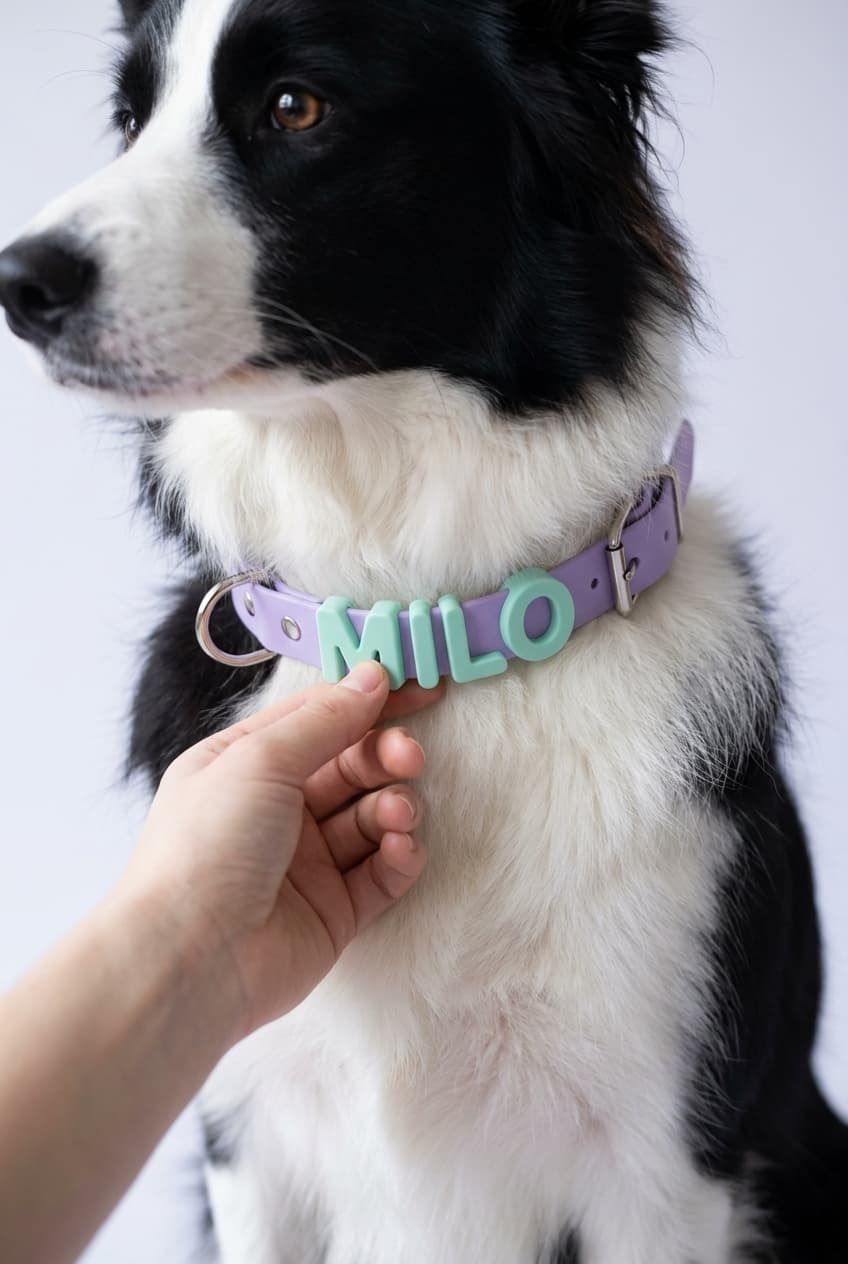
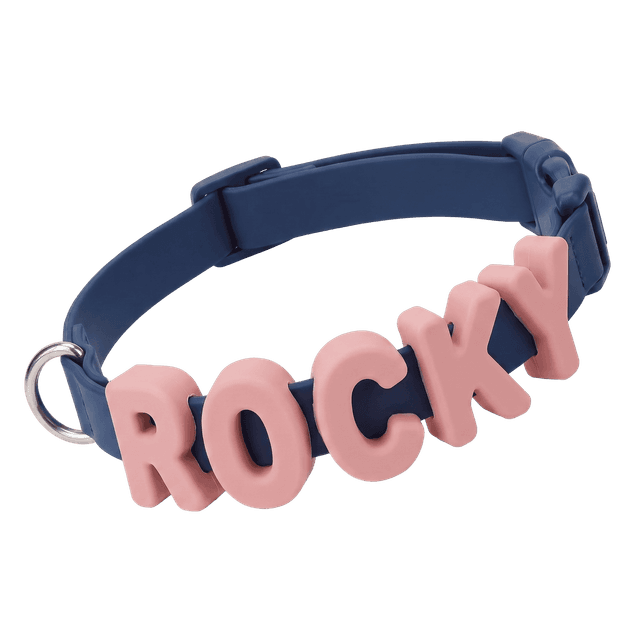
Click the first empty slot next to "1. Enter letters" and just start typing on your keyboard — the chosen letter appears instantly in the selected slot, and the next slot automatically becomes active so you can keep typing. This lets you preview in advance how your dog's name or message will look on the collar.
You can fill up to 6 slots. 5 charms are included in the collar price, and each additional one costs €3.99.
Select an already-entered letter, then choose the color you want from the options below.
Next to the size selection, click the "How to measure the right size" button.
Rinse it with water after muddy or beach walks and dry it with a soft cloth. BioThane doesn't absorb odors; air-dry it flat and keep it away from direct high heat.
Click the slot you want to change and type a new letter — it will replace the previous one.
PawsCharm newsletter
Get 10% off your first order
Join the PawsCharm community — news, styling ideas, and exclusive offers.